






FM27 Free Play: How to install via Xbox Game Pass

Football Manager 27’s Free Play Launch Preview is available via Xbox.com and the Xbox PC app until 3 November.

If you are a PC Game Pass or Xbox Game Pass Ultimate subscriber, you will be able to continue playing the FM27 Launch Preview from 3 November, ahead of the full launch on 10 November.

Not a PC Game Pass or Xbox Game Pass Ultimate subscriber? Pre-purchasing FM27 here from the Xbox Store ensures that you also retain access to FM27’s Launch Preview from 3 November, following the Free Play period.

Below is a guide to finding and playing the Free Play Launch Preview:

Xbox.com

The Free Play Launch Preview is available here from xbox.com.

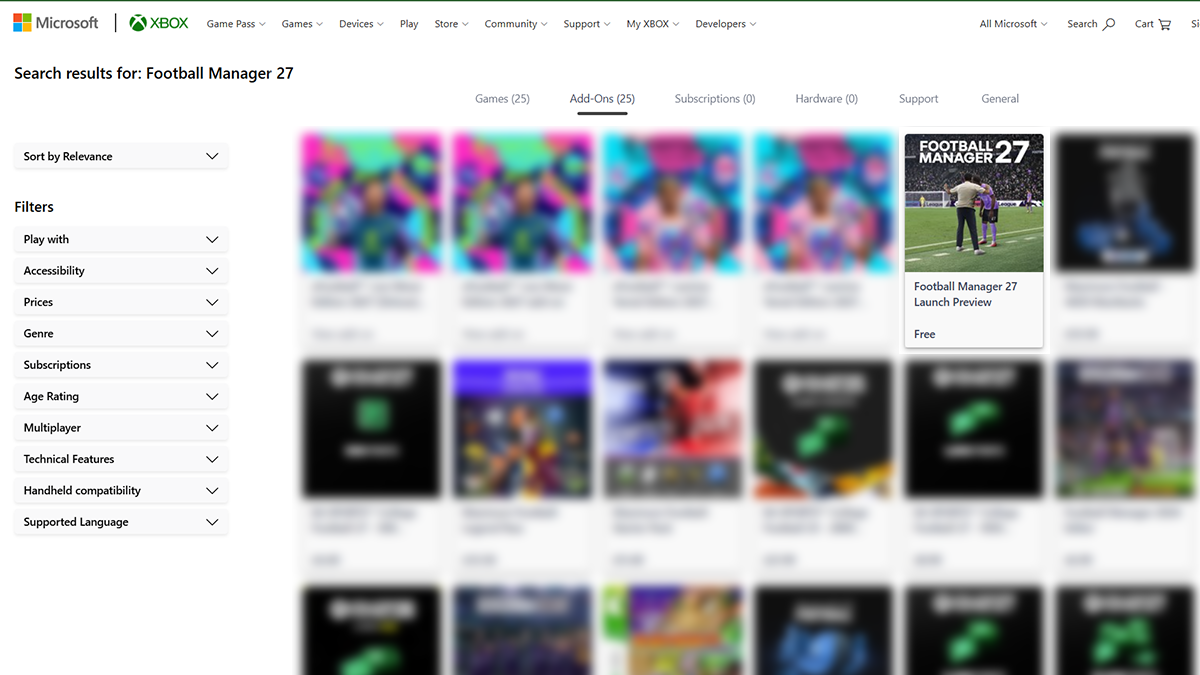
If you need to search directly within xbox.com, enter ‘Football Manager 27’ in the search bar. Select the ‘Add-Ons’ option and then select the ‘Football Manager 27 Launch Preview’.

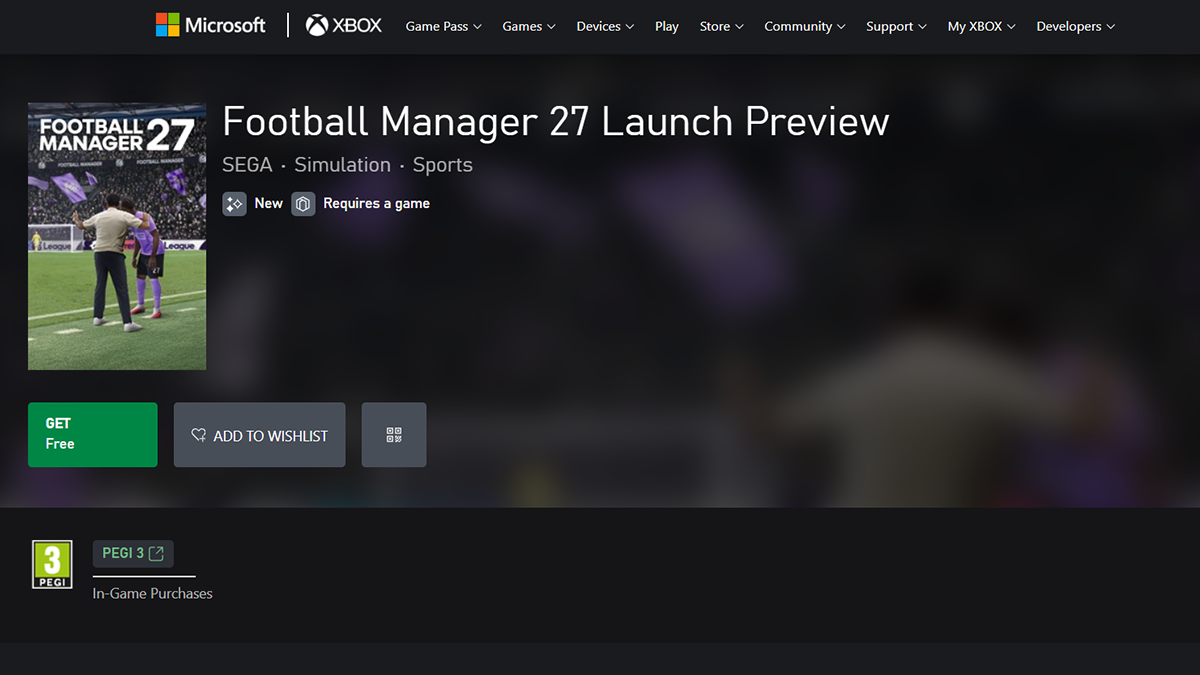
Select the ‘GET’ button and ensure you are signed in to your Microsoft account to confirm.

Open the Xbox app, ensuring you are signed in with the same Microsoft account you used on Xbox.com.

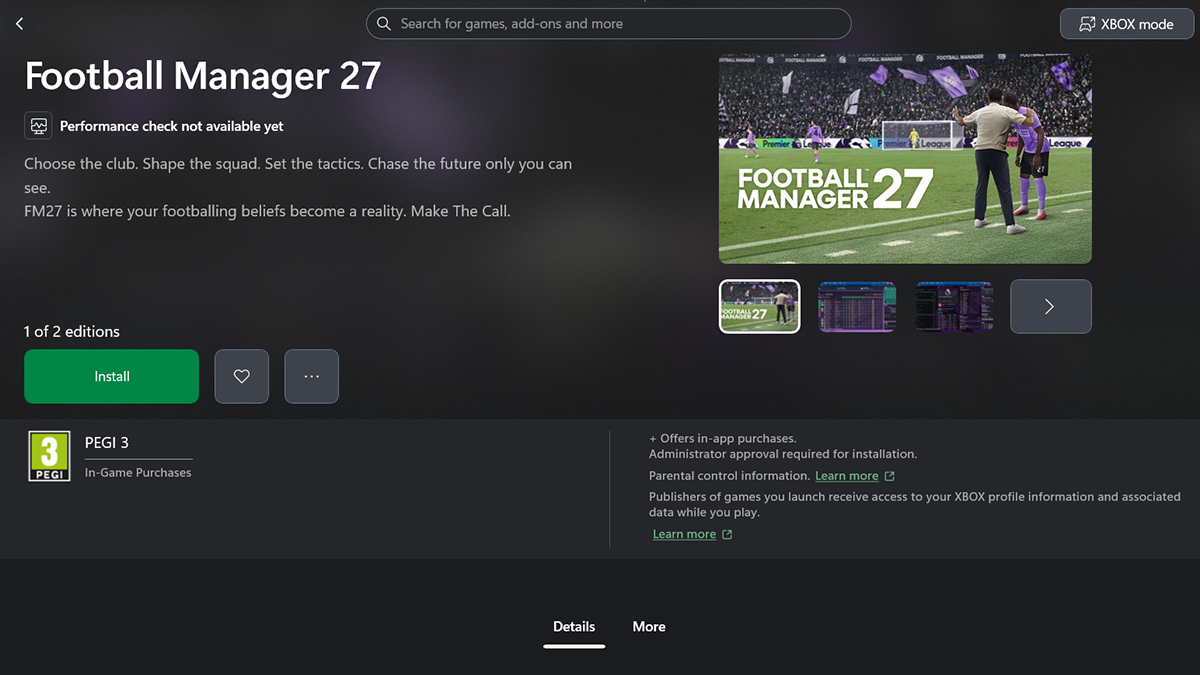
Type ‘Football Manager 27’ into the search bar and find ‘Football Manager 27'.

Select ‘Install’ and play once this is complete.

Xbox PC App

Open the Xbox PC app on your desktop and sign into your Microsoft account.

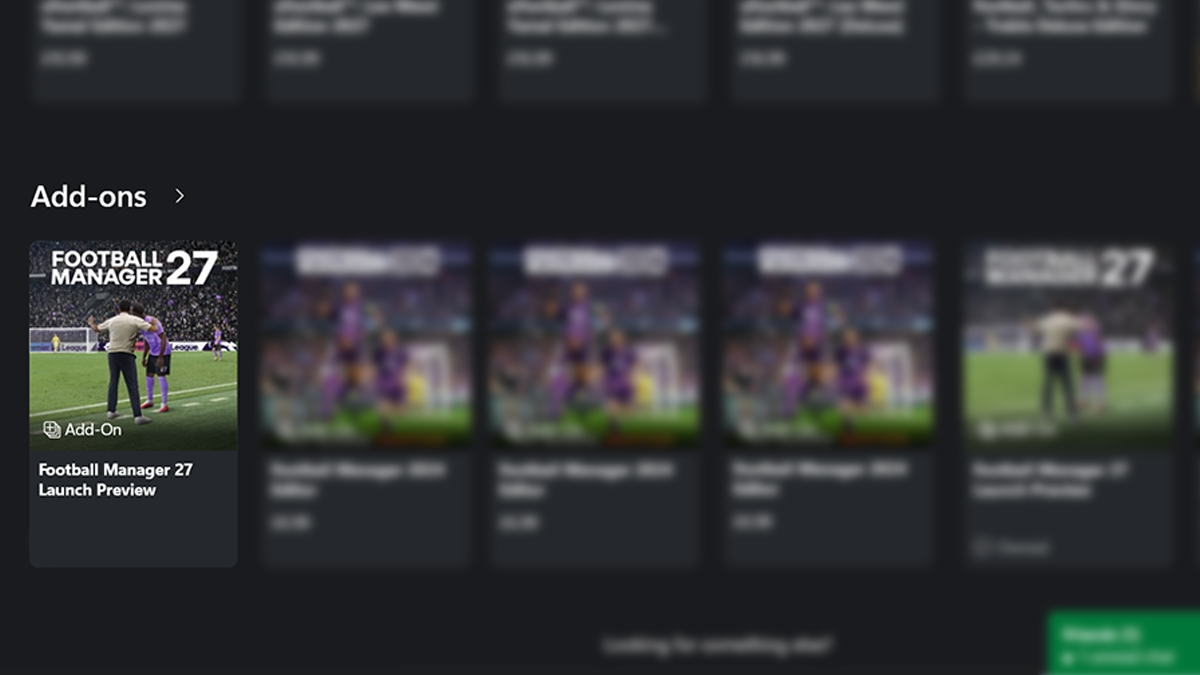
Type ‘Football Manager 27’ into the search bar. In the ‘Add-ons’ section, find ‘Football Manager 27 Launch Preview’.

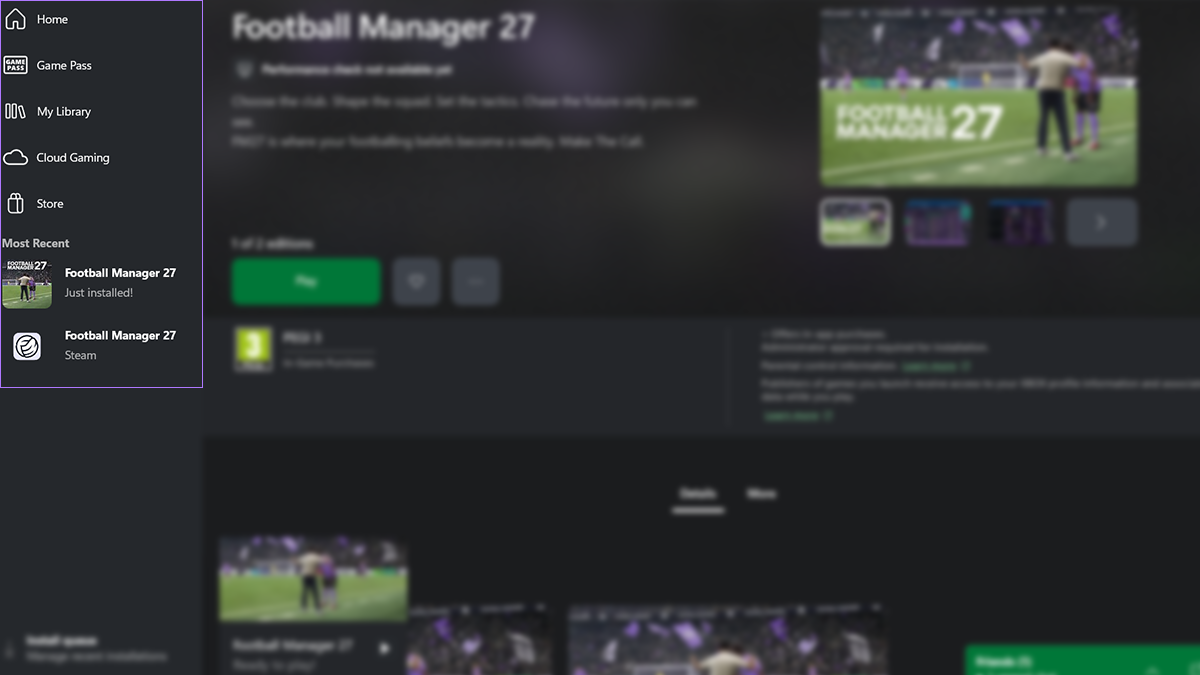
Select the game, hit the ‘Install’ button and play from your Library, visible on the sidebar of the app.

A background image for FM A background image for FM

Join The Squad. Get Rewarded.

Sign up to FMFC for free and get access to member-only giveaways, behind-the-scenes insights and exclusive FM news.