Start Your Journey
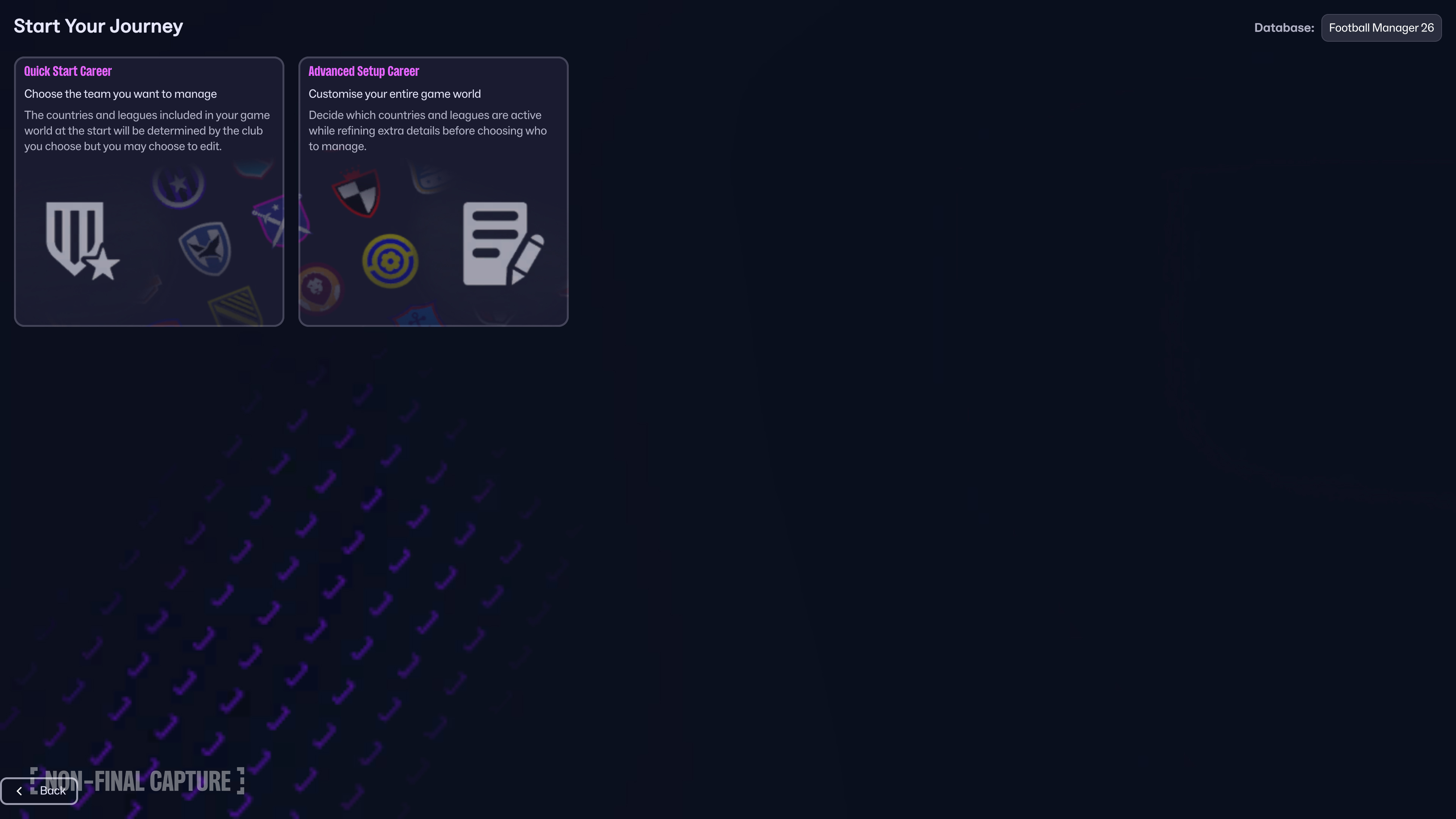
You have two options to begin your career, either Quick Start for a ready-to-go experience, or Advanced Setup to take full control over every detail.
Quick Start
If you select Quick Start, this will automatically build your game world depending on which club you elect to manage – however you can still edit and amend the selected countries and leagues throughout your career. For instance, if you manage in the Premier League, Quick Start will include men’s leagues and data from top European nations like England, France, Germany, Italy, and Spain. It also sets league-specific transfer windows and a standard database for your chosen top-flight.
Advanced Setup
If you’re the type of manager that likes to have full control, Advanced Setup is for you. This allows you to tinker with transfer windows, database sizes, preferences and much more.
Active Nations
This is where you’ll pick the leagues you want in your save. With 58 men's nations and 11 women's nations to choose from, there’s huge potential for storytelling. You can also decide what leagues you’re able to manage in and what leagues are view-only, allowing you to follow the progress of teams and league without being a playable league.
Database Size
After selecting the nations you want in your world, it's time to think about the depth of your database. FM26 boasts one of the largest databases in gaming. Choose the depth of player data at the continent, region, nation, or division level:
- Current international players
- Players based in nation
- Players of nationality
- Players from top division clubs
- Players from top clubs
- Players with continental reputation
- Players with national reputation
Watch the Estimated Game Speed indicator as you adjust the amount of data included. As in previous FMs, the speed of your game depends on the number of leagues and players loaded, as well as the performance of your computer, all of which is shown on the Advanced Setup screen.
Game Start Date
When setting up your game, you’ll see a list of start dates to choose from, this depends on the leagues you’ve installed. FM26 will automatically pick the one that fits your selected league.
You’ll have the options to choose from a list of available start dates depending on leagues installed. By default, the start date selected will reflect the start date of the league you have selected.
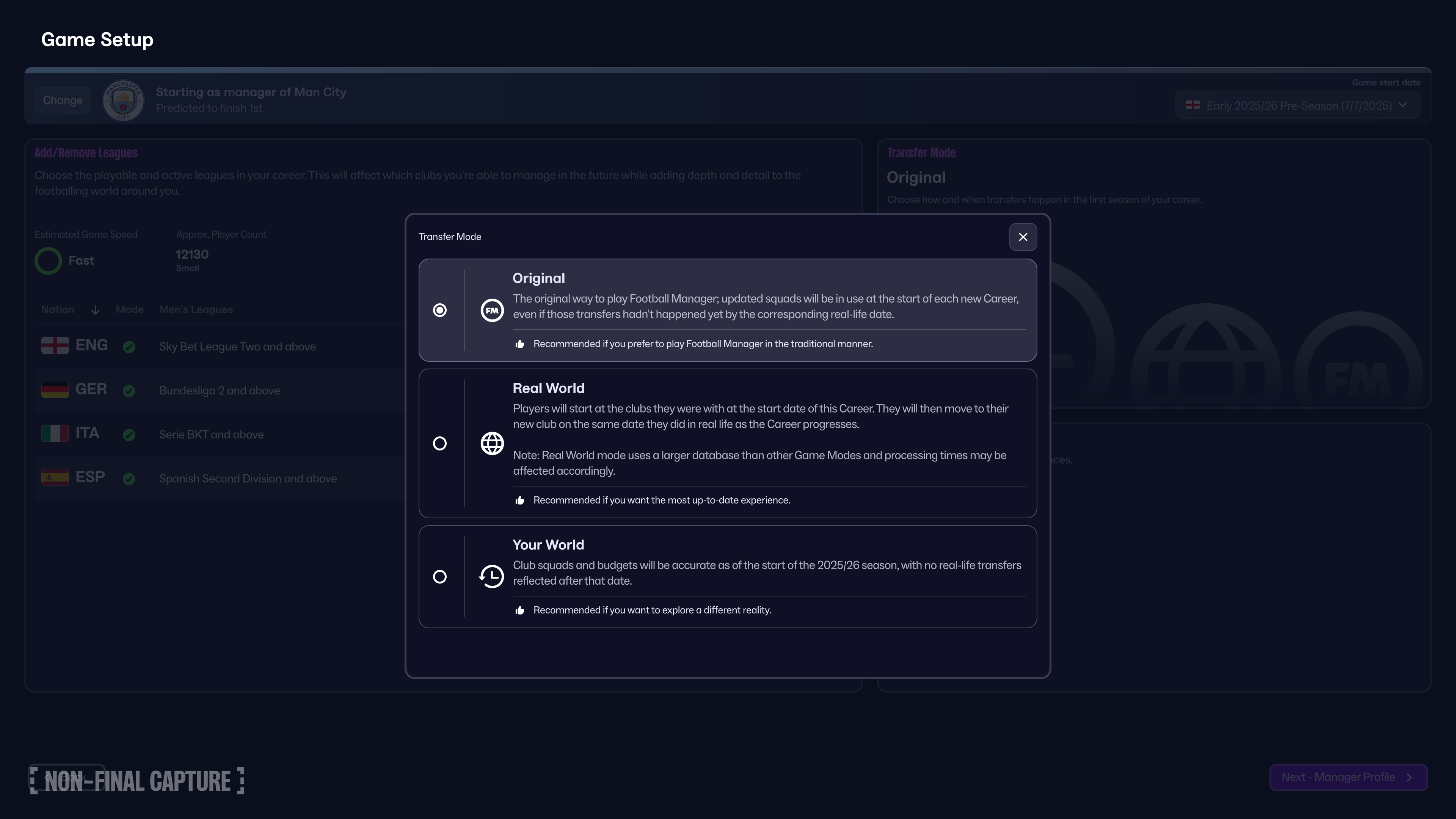
Transfer Mode
First introduced in FM24, FM26 has three transfer settings available to you, each offering a different starting pathway for your save.
- Original
- Squads will reflect all updated transfers, no matter when they occurred in real life. For example, a player who signed on deadline day will already be part of the team even if your save starts earlier in the same transfer window
- Real World
- Transfers occur in sync with their actual dates. If they have changed clubs in real-life, the transfer will take place on the same date as it did in real-life (e.g. a player who moved on deadline-day in real life won’t join their new club until deadline-day is reached in-game)
- Your World
- Club and player data will be accurate as of the start of the 25/26 season, with no further transfers taking place from that point onwards (e.g. players who moved on deadline-day in real-life won’t move in-game if the season has already started)
As with all aspects of Football Manager – it’s yours to define.
Advanced Settings
You can also choose from a number of additional gameplay settings to further tailor and customise your FM26 save universe. NOTE: These cannot be amended once a save has been created.
- Use Fake Players and Staff
- No real player or staff names are used, a completely alternate universe in which you can demonstrate your management skills
- Use Real Fixtures
- Schedules will match real-life fixture lists (where available). Deselect this option if you wish to have a randomised fixture schedule in-game
- Add Key Staff
- Select this option if you wish for vacant key staff roles to be filled by default
- Add Players to Playable Teams
- Choose this option to ensure all playable teams start with full squads. Any empty or partially-filled teams will have newgens generated to complete their squads
- Allow First Transfer Window Activity
- Select this if you wish for transfers to be made during the first transfer window of your save, or deselect if you wish for no transfers to be made (thus reflecting real-life transfer windows)
- Allow Player Attribute Masking
- Scouting will be required to see players’ attributes, deselect if you wish to view all attributes by default
- Allow control of teams with managers in place
- Permits clubs with managers to be taken over by human managers. Deselect if you only wish for clubs with no manager in place to be available for selection
- Allow use of the In-Game Editor
- An additional tool available on Steam and Epic stores from full release on 4 Nov which allows you to make in-game edits to players, clubs and leagues in your game world as your save progresses. Deselect if you wish to prevent this
Preferences
Fine-tune your game experience further: language, currency, measurement units, display, audio, save frequency, accessibility, shortcuts, and matchday preferences. Many of these can be adjusted during your career.
Choose Team
If you picked Advanced Setup, it’s now time to choose your new home and the club you’ll lead to glory.
You can select from any of the playable leagues you’ve included in your setup, or, if you prefer, start unemployed and carve your own path from scratch.
When looking at clubs to manage, you’ll be provided with a preview on every team which includes information such as Predicted League Finish, Board & Supporter Culture, Finances, Notable Rivals and much more.
Manager Profile
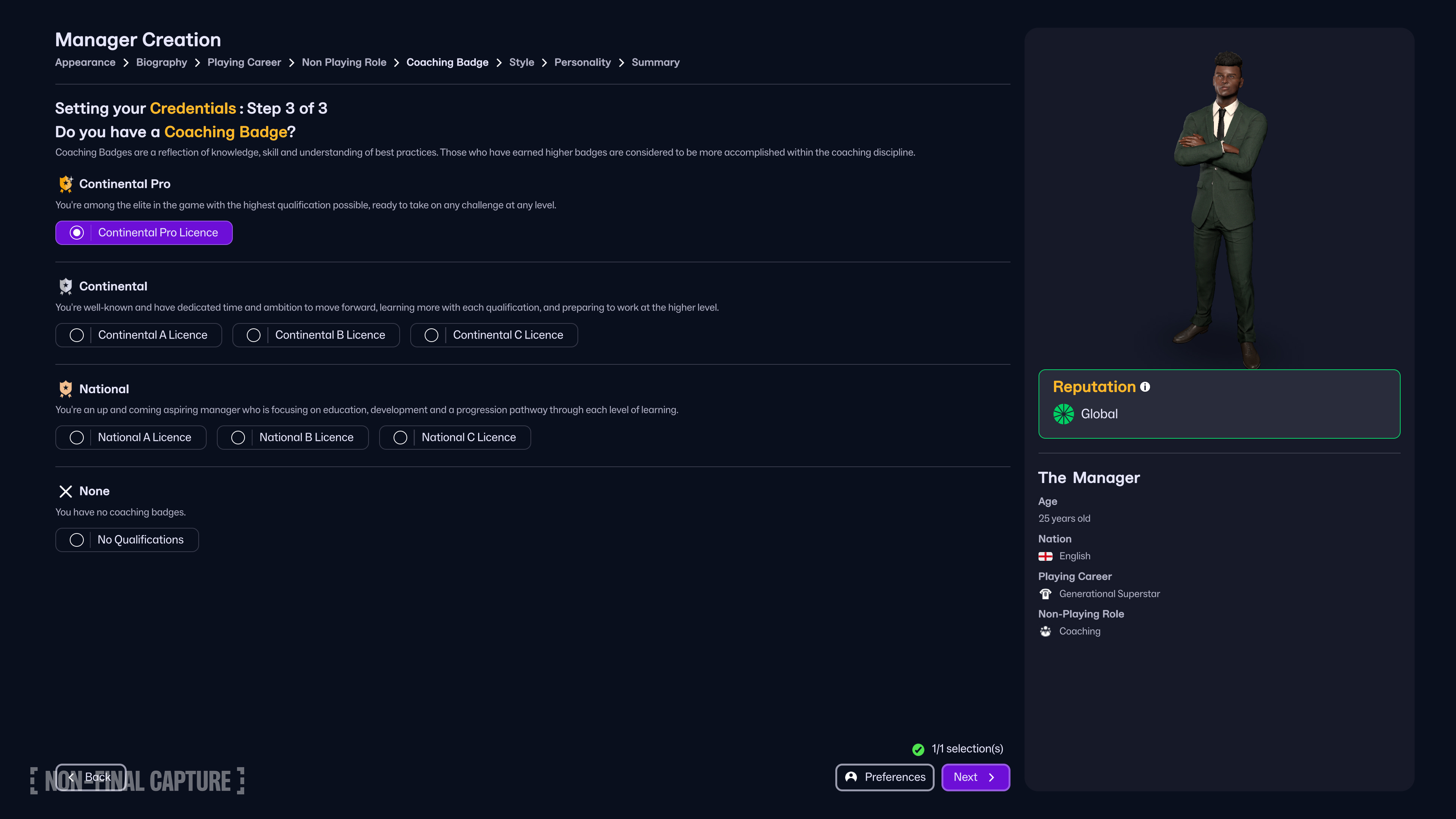
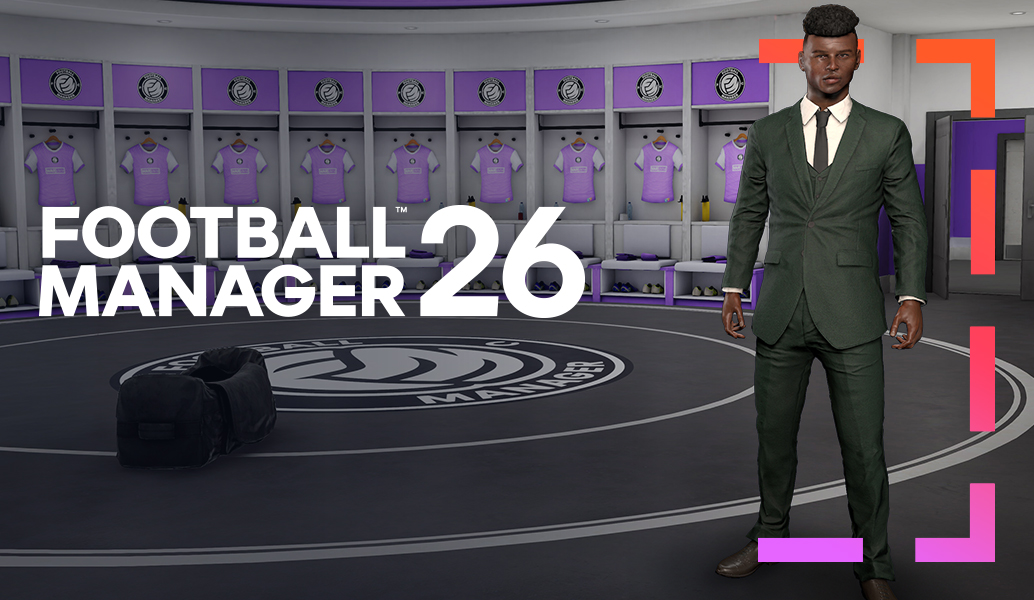
Once you have set the conditions of your save universe and selected your club of choice, it’s now time to create your manager avatar. You can customise every feature of your manager's bio and appearance, from hair and other physical features to attire and accessories.
After this, you can then input your experience and qualifications including playing and non-playing achievements, coaching badges, management style and personality. The options selected here will determine your manager ability, reputation, style and attributes as you embark on your managerial journey.
You are now ready to start your first save in FM26, step into the dugout and lead your team to glory.
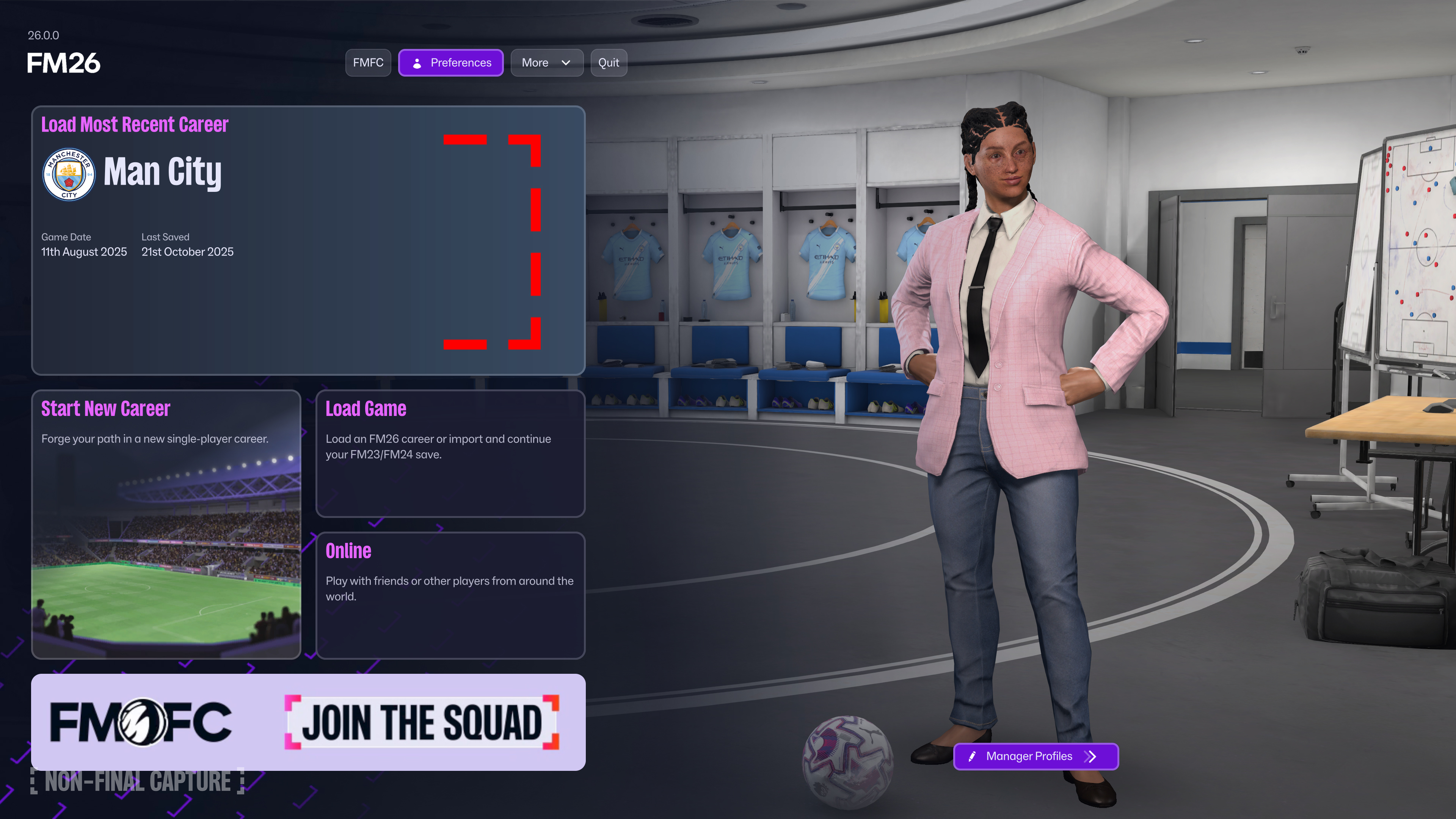
Meet the board. Choose your tactical style. Speak to the team. Liaise with your backroom staff. Engage the media. All of this awaits as you step into the first day of your managerial journey - or at least until your next save adventure begins!
It’s time for you to step into the dugout and put your managerial skills to the test. Let us know who you decided to manage on your first FM26 save on our socials @FootballManager.










Don't Miss a Moment
Be the first to know what's next by following us across social media @FootballManager. Same handle, every platform.