Back to The Dugout
Tips | Paul Madden | 29.10.26

Maximising Your First Hours on FM27

Modern management moves quickly and a strong start is essential. FM27 is no different and before you know it, you’ll soon be at the business end of the campaign.

So, making your first hours count is crucial. Here are 10 tips to maximise your first hours in FM27 to help set you up for success wherever you start making the big calls this season.

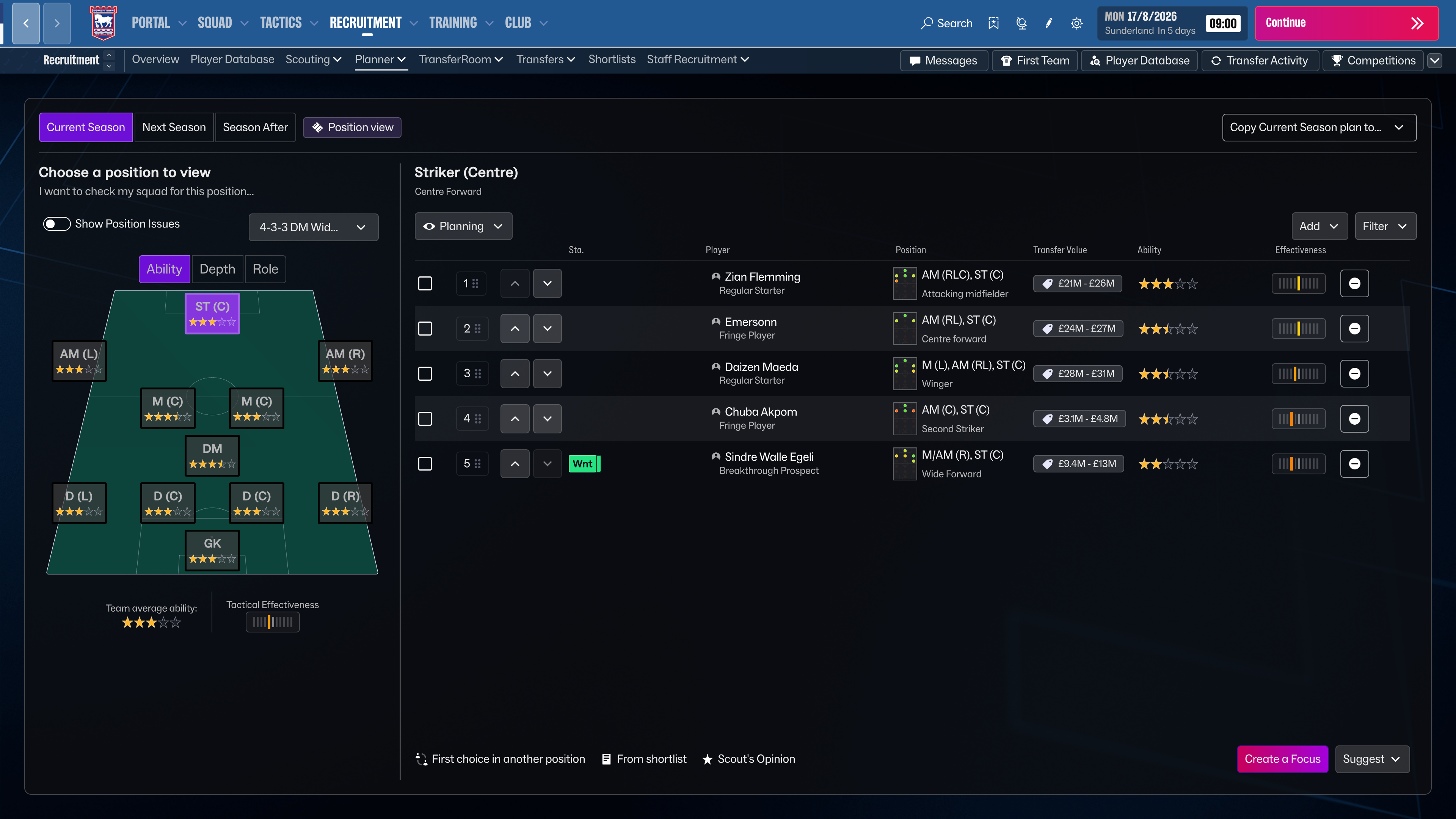
Squad Planner and Team Report

The Squad Planner is an essential tool for every manager. It gives you an instant overview of your positional strength and squad depth, providing clear direction on which areas need to be invested in and prioritised at this early stage of the season. 

A lower star count means your coverage in that position is lacking, and this is also crucial as you look to imprint your tactical style and philosophy.

Squad Views

Another key area is deciding your Squad View. FM27 offers several default views which are extremely useful depending on whether you need to see General Info, Selection Stats, Transfer Status or Contract information. 

Every view can be customised in-game allowing you to Insert or Remove Columns at your leisure so you can create the perfect view that suits your needs and focus areas. A simple right-click on the top of each column presents you with options to add, move and remove as needed.

Contracts and Release Clauses

One of those views in particular represents a great tool at the start of a new save – the Contracts view. 

A quick look at this gives you an immediate oversight as to which players have shorter time remaining on their contracts as well as having release clauses. This allows you to enter contract talks with them early and secure their future at the club. 

This also gives you the opportunity to quickly assess where your wage budget is being spent and whether you need to offload any players whose salary exceeds their squad importance. 

Assess Youth Prospects

Establishing an immediate awareness of your best youth prospects is also crucial within the first hours of a new save. You could discover a potential Wonderkid secretly sitting in your Under-23s or Under-19s squad that could make an instant impact on your first team.

While your annual Youth Intake won't follow until later in the season, your Youth Setup Overview gives you an instant snapshot of current academy players and whether any have the potential for first-team football in the short to medium-term future. 

Backroom Staff

Every manager needs a solid backroom team. When you join your club, you will automatically inherit the current staff which you may be happy to keep, but sometimes you may want to bring in your own trusted team.

This starts with your Assistant Manager. Many of us have our go-to preferences in this regard, but if you don’t, you can find the perfect candidate using the Staff Database where you can filter for specific attributes to identify your perfect number two.

Assign Staff Responsibilities

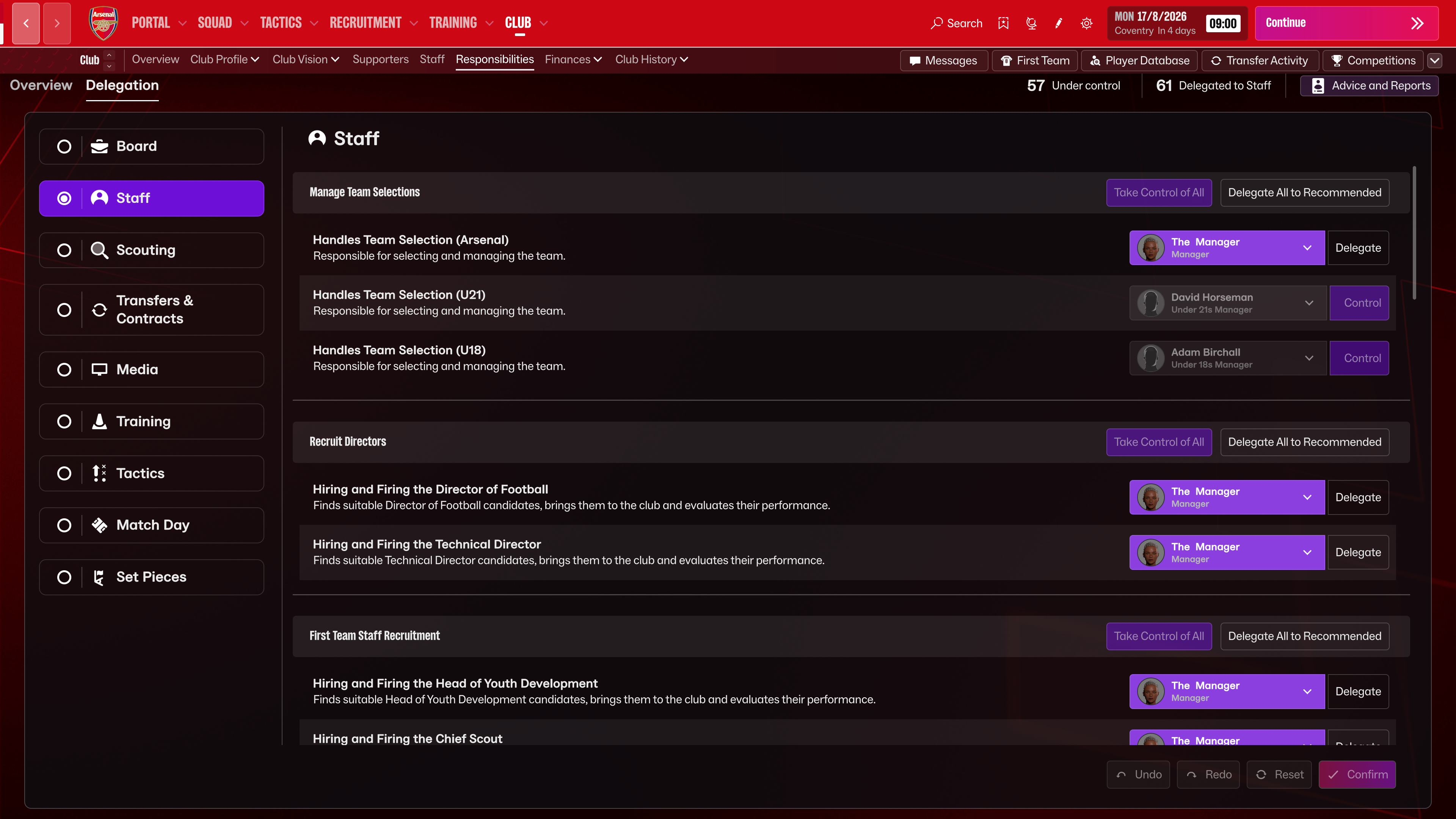
We all have different managerial approaches. Some of us prefer to be hands-on with the media, training and scouting while others prefer to assign these areas to their backroom staff to focus on match days. 

Whatever your preference, assigning your Staff Responsibilities greatly influences your save speed and direction right from the start. Under “Club > Responsibilities” you can decide which tasks you want to control and which you want handled by your backroom staff, including managing friendly matches, taking team talks and organising loan deals. 

Tailor the game to do more of the areas you enjoy. 

Check Scouting Range

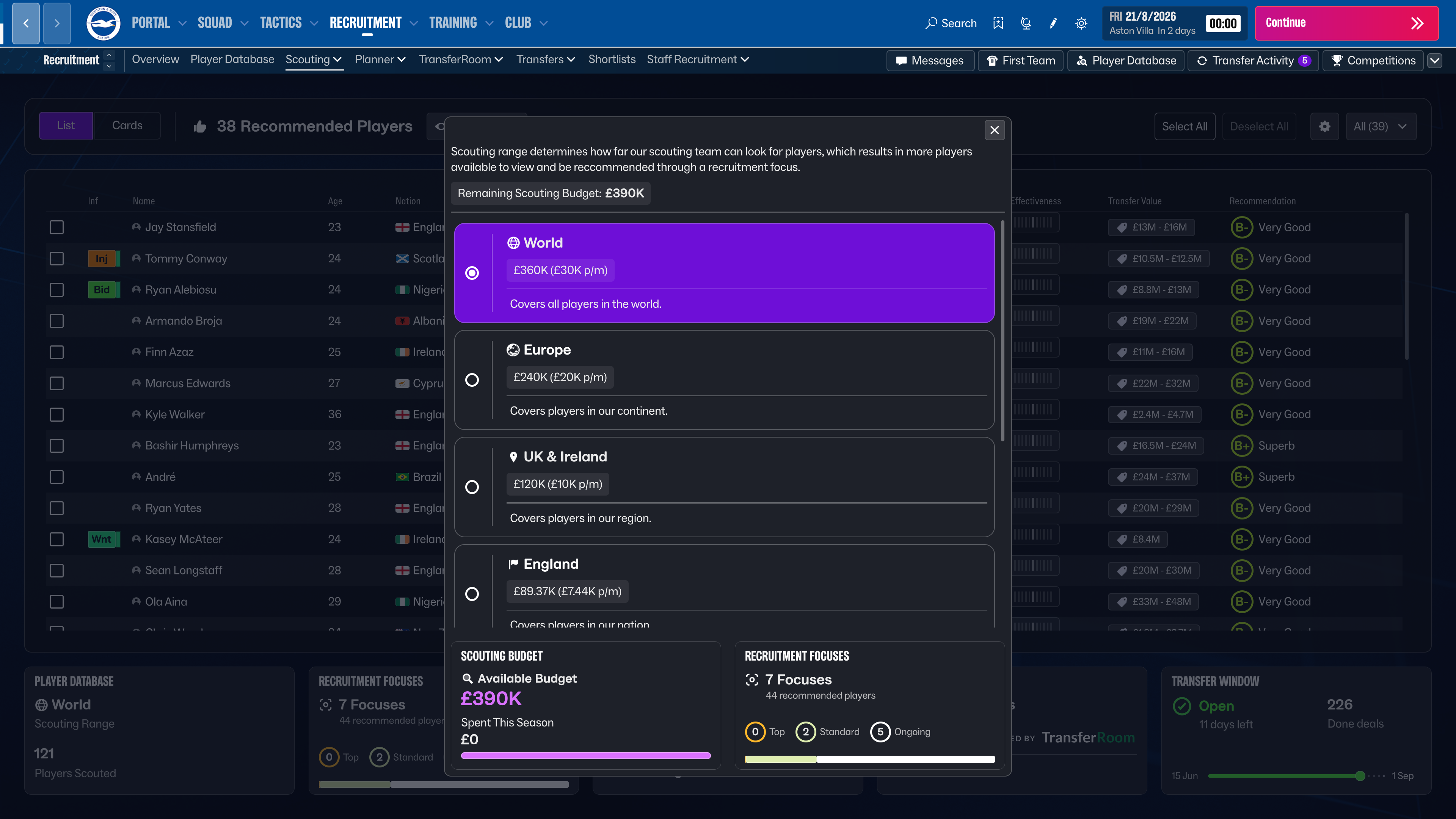
Before even attempting to scout or sign players, one of the key settings for your club is your Scouting Range. Not only does this dictate how widespread your scouting coverage and network scope stretches, but also how much of your budget is allocated towards scouting. 

This can be essential especially if you are managing in smaller leagues where every penny counts.

Your Scouting Range will be pre-determined based on the size and level of club managed, but if you value a wider scouting scope or you wish to allocate funds elsewhere to more pressing areas of the club, it can be amended from the Player Database screen alongside your Transfer and Wage budgets. 

Free Agents, Transfer Lists and Bargains

Just as we mentioned checking your own squad, you should also be establishing which players may be available at lower prices or on a free transfer.

The Quick Filters option on the Player Database screen allows you gain an instant oversight of which players may be free agents, approaching the end of their deals or have been transfer or loan listed. 

You can also use additional filters to identify players with minimum fee release clauses, possibly allowing you to get a bargain before your rivals beat you to it. 

Select Save Format

Often overlooked at the start of a new game, but your save settings should be one of the first things you do on a new save. To ensure no progress lost if your battery cuts out etc, be sure to quickly check your save settings under “Settings > Preferences” to confirm your auto-save status, save frequency and whether you wish to work from one save file or multiple rolling save files. 

Visiting the Training Ground

We’ve talked a lot about playing personnel and assessing your squad effectively, but the facilities they are trained in are just as important. 

Not every club will have a world class training ground but identifying where your club is at currently allows you to set your own expectations in terms of player identification and development. This also gives you the opportunity to engage with the board to invest more in key areas to maximise your resources.

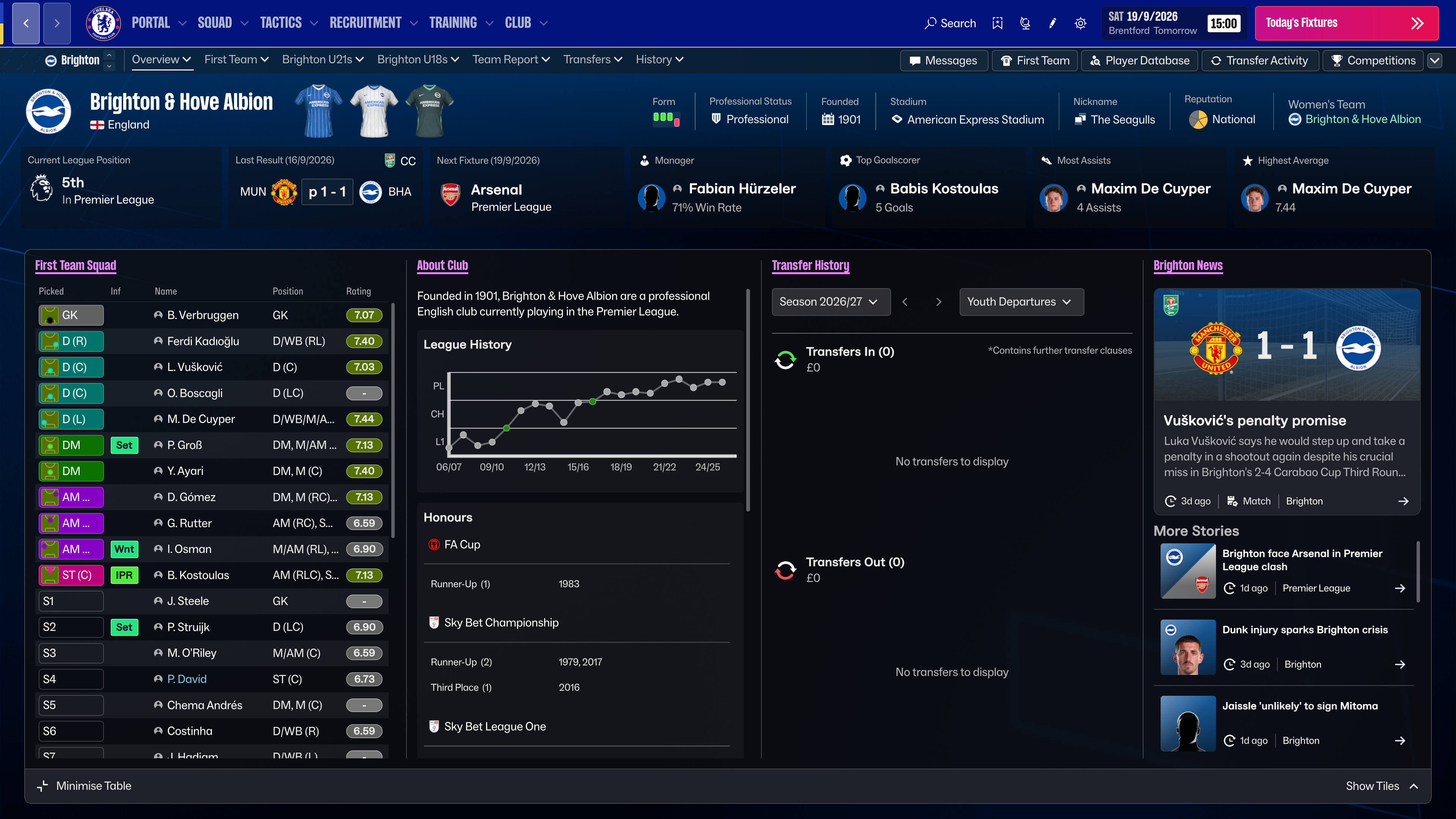
The Club Profile screen gives an overview of the state of your Stadium, Corporate, Training and Youth Facilities, and more importantly whether any of these need to be improved if you are to succeed in your long-term ambitions as manager.

There we have it. 10 tips to make the most of your first hours on FM27. The early stages of your save are crucial and are the first steps to glory. 

Let us know which tip was your favourite on our socials @FootballManager

A background image for FM A background image for FM

Join The Squad. Get Rewarded.

Sign up to FMFC for free and get access to member-only giveaways, behind-the-scenes insights and exclusive FM news.