Dive right into the action
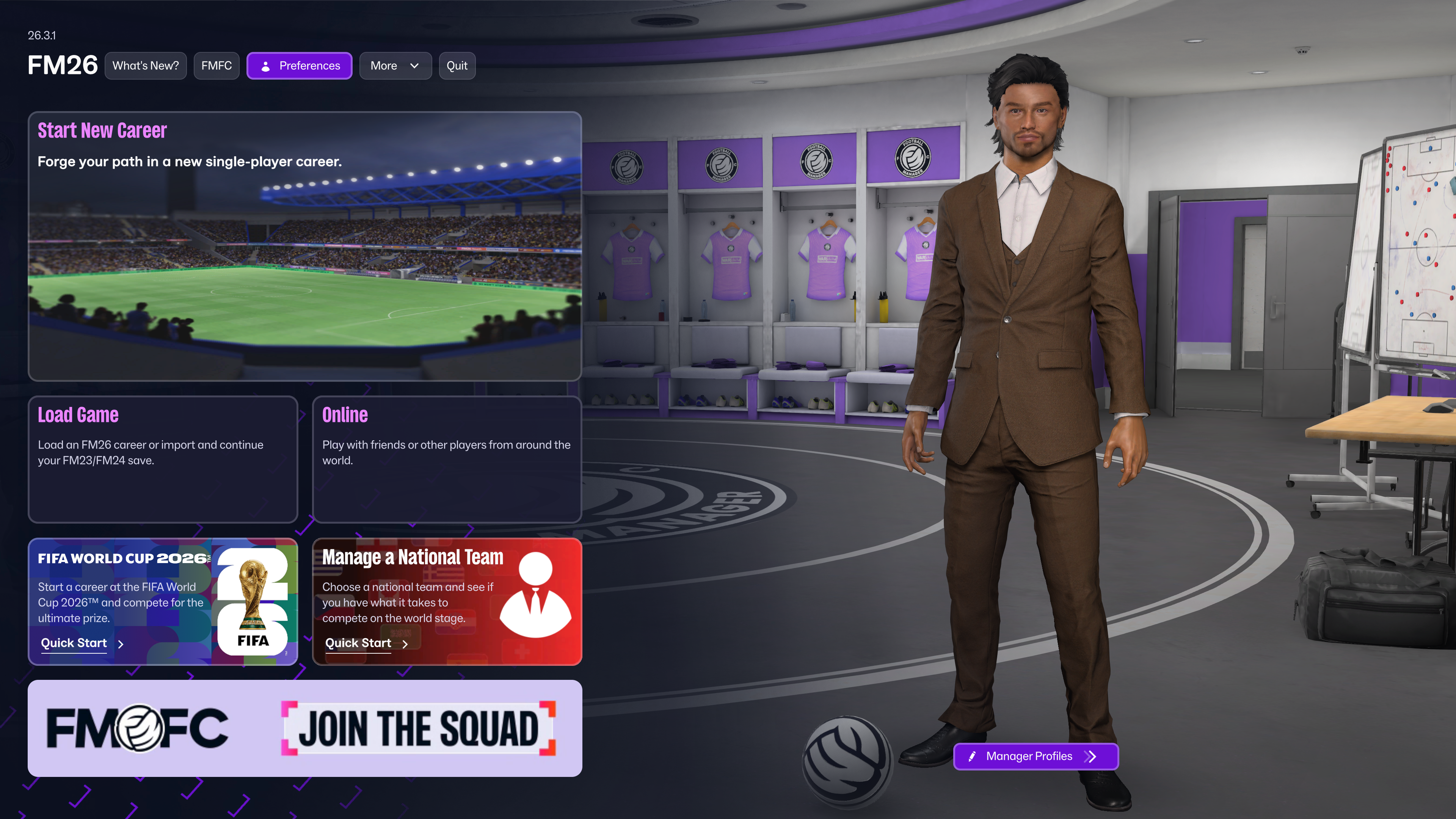
The first thing you’ll see when loading up FM26 following this update is a new quick start option allowing you to dive straight into FIFA World Cup 2026™ action*.
You can kick off your campaign on May 11th in-game, giving you two final friendlies to run the rule over your players and complete your squad selection ahead of the summer’s action.
In a subsequent game update in June, there’ll also be an early June start date available. So, you’ll step right into the into the dugout before the first game of FIFA World Cup 2026™. The final 26-man squad all set, ready for your opening match day and the next step on their path to glory.
You can still manage national teams and clubs simultaneously in FM26, including with the FIFA World Cup 2026™ specific start dates. If you opt to begin in May or June, your club’s season will simulate in the background ahead up to the point of your start date.
You'll also be able to load your existing FM23 and FM24 saves and continue your national team saves. If you have started a club save in FM26, international management will be seamlessly integrated into your save file. You'll be able to start a new save game or have international management brought into your existing save game, it's entirely up to you.
Squad Building and Squad Selection
Before you get to those all-important Match Days, you’ve got to answer one of international football’s age-old questions: who makes your final squad?
Inspired by insights from managers in the professional game, we’ve reworked the squad registration flow to make it more intuitive.
You’ll discover a new Provisional Squad selection system, allowing you to call-up a wider selection of players before whittling it down to your final squad for your next friendlies, continental qualifiers or title tilt.
The Squad Planner is now better embedded in the squad selection process, with new functionality allowing you to pick your Provisional Squad directly from your Squad Planner.
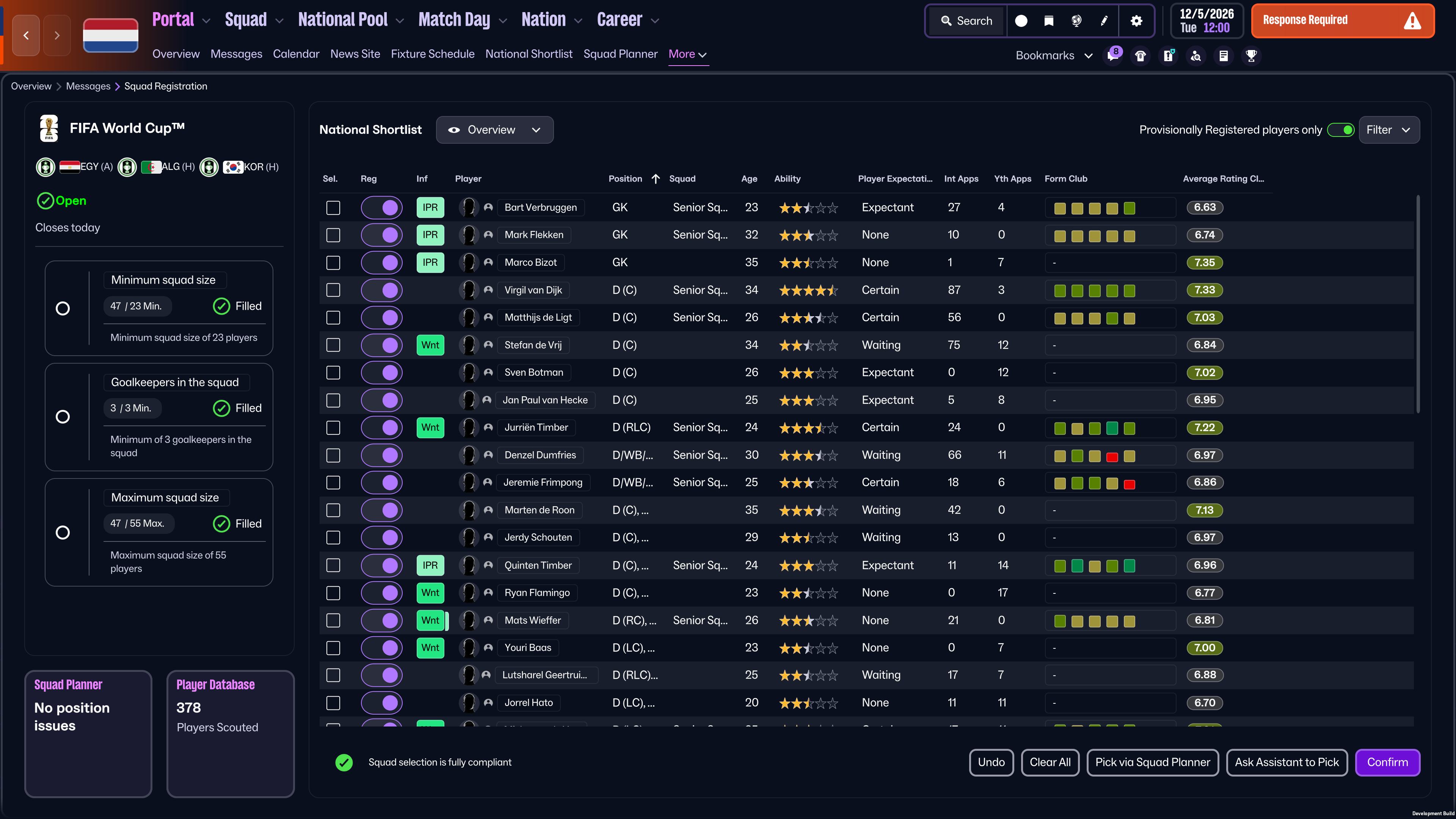
These changes to squad registration are connected to wider adaptations of the National Pool and the National Shortlist, all designed to better equip you for international success.
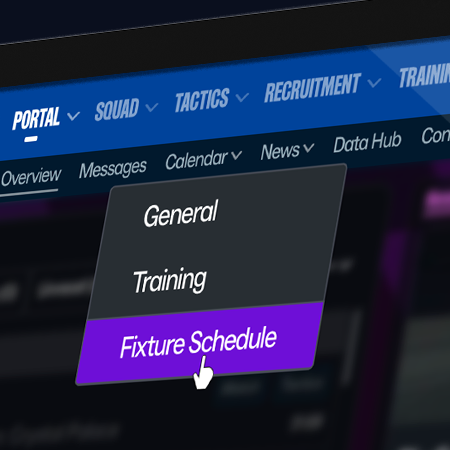
The National Pool is now one of the six headers used in the top navigation bar. Within that you’ll discover a refreshed National Shortlist that now functions similar how your shortlists work at club level.
The National Shortlist includes new displays, such as the Player Discovery view that provides a clear indication of each player’s recent club form. Alongside that, there’s a column clearly outlining their international expectations, ranging from none through to those expecting to be the first names on your team sheet.
Giving you more visibility of these expectations works in conjunction with a range of new interactions you can have with your players.
There are now more ways to let a player know whether they are likely to be picked or not, inform them they’re moving from the youth to senior teams or encourage them to reconsider retirement.
That’s not all. To help you look for dual nationals that could yet declare for you or exciting young players for your nation’s future, we’ve also added Scouting Focuses.
Similar to Recruitment Focuses at clubs, you can adjust these searches across several variables, and your national team scouts will look at identifying players outside of your existing national shortlist to bolster your options.
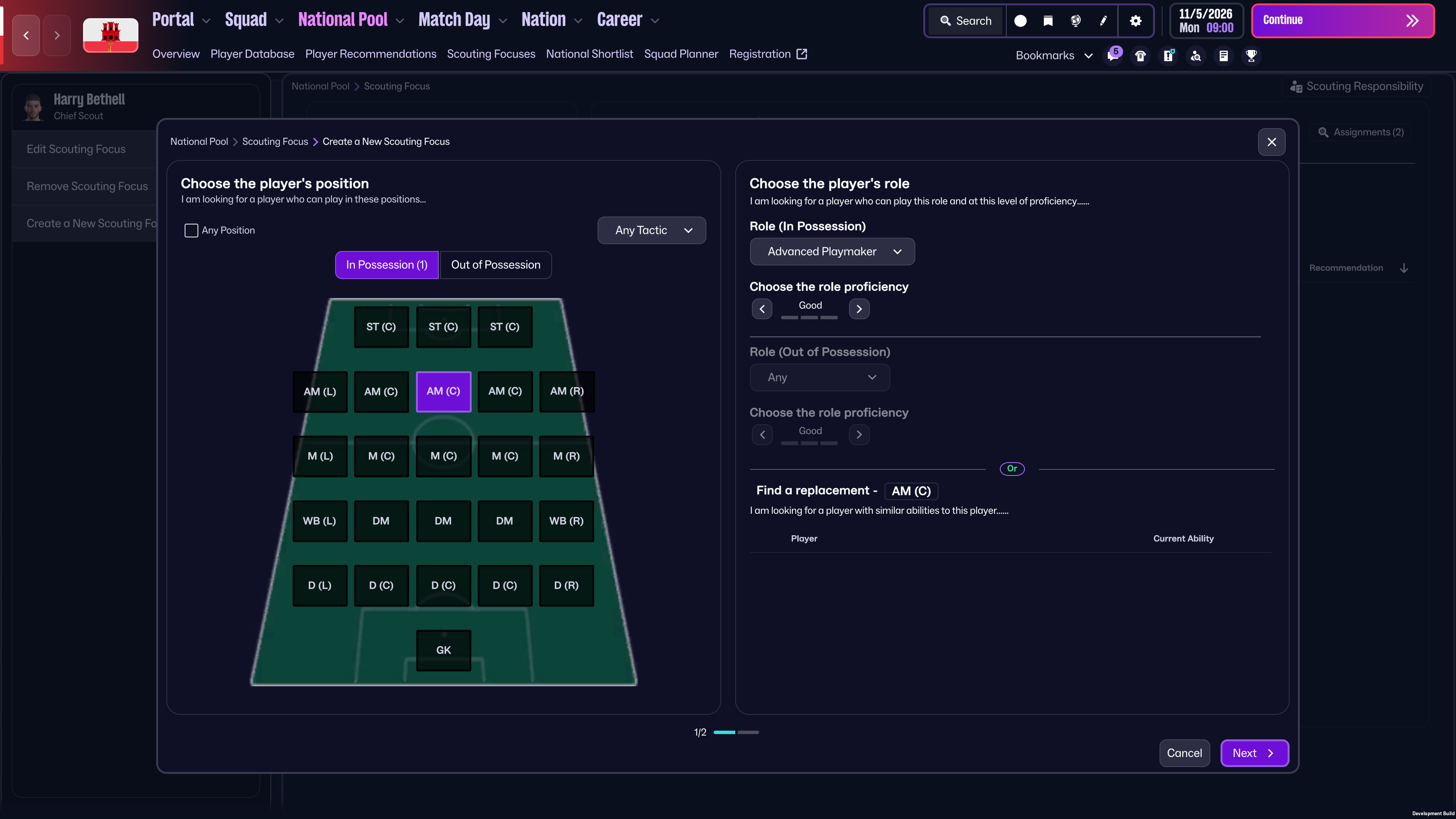
These changes to squad registration and player identification improve the way information is presented to you, allowing you to make smarter decisions who’ll be leading you to glory.
Be mindful that more tools for selecting and speaking to your players comes with greater media scrutiny, as we’ve added a range of new press conference questions to probe more into who is and isn’t in your squads.
New Tools
It’s not just in Squad Selection and Squad Building that we’ve given you new tools as a national team boss in FM26.
Before every match, you’ll be prompted to select Match Preparation training focuses for your team. Here, you can set specific In Possession, Out of Possession and Set Pieces priorities for each match to try and get the edge on the opposition.
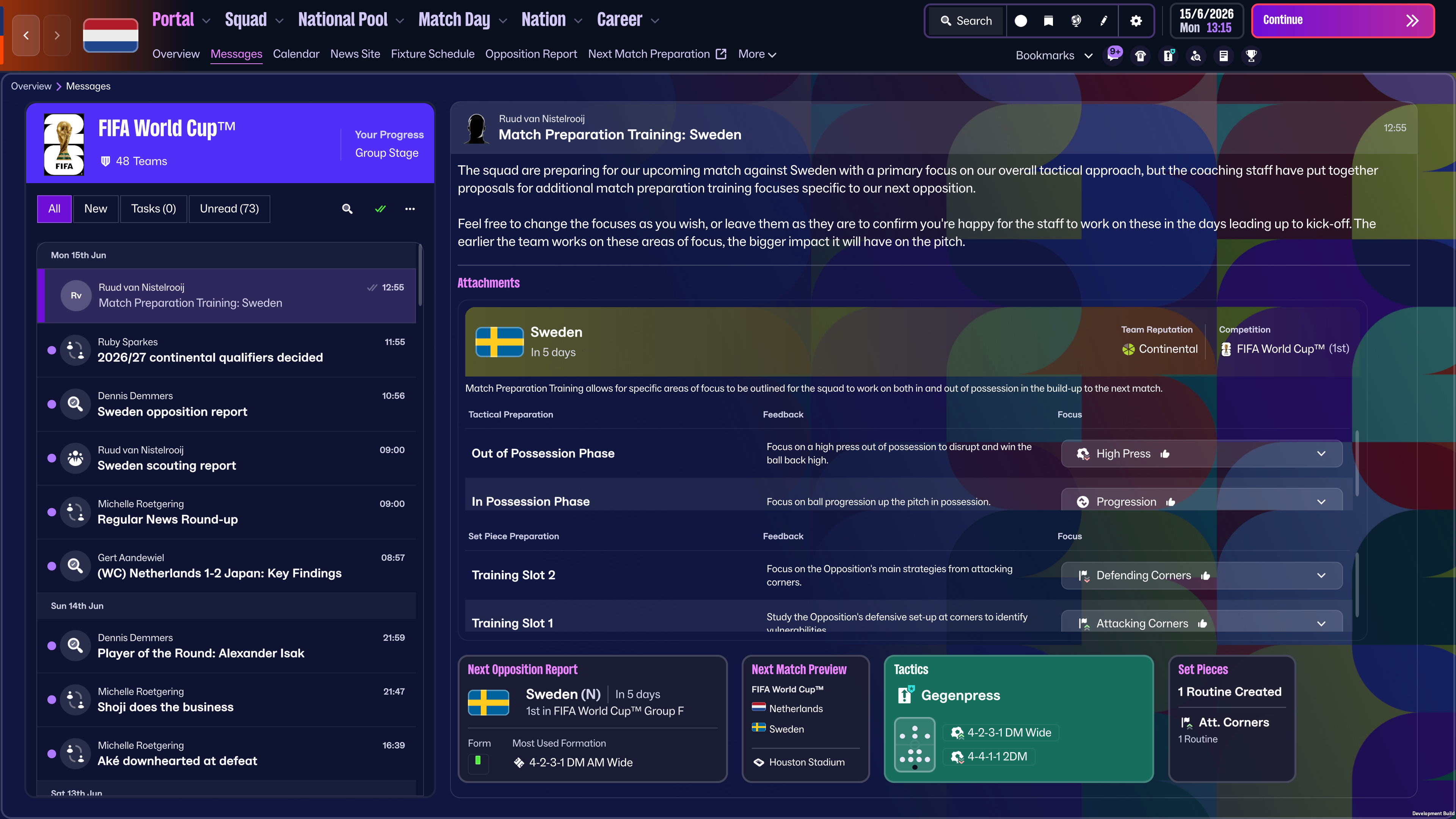
We’ve also made several under-the-hood changes to player condition to ensure that players recover better during international tournaments, so they’re able to play more consecutive matches.
To fine tune your preparations, you’re now able to recruit Set Piece Coaches for your national teams. To give you the full picture, the Data Hub also now provides you with team-level data for national teams.
Football’s grandest stage
Official FIFA World Cup 2026™ licensed assets elevate your experience throughout the competition in-game.
To give you that tournament feel, there’s a bespoke branded header in the Portal and a themed background as you navigate your pre-match preparations.
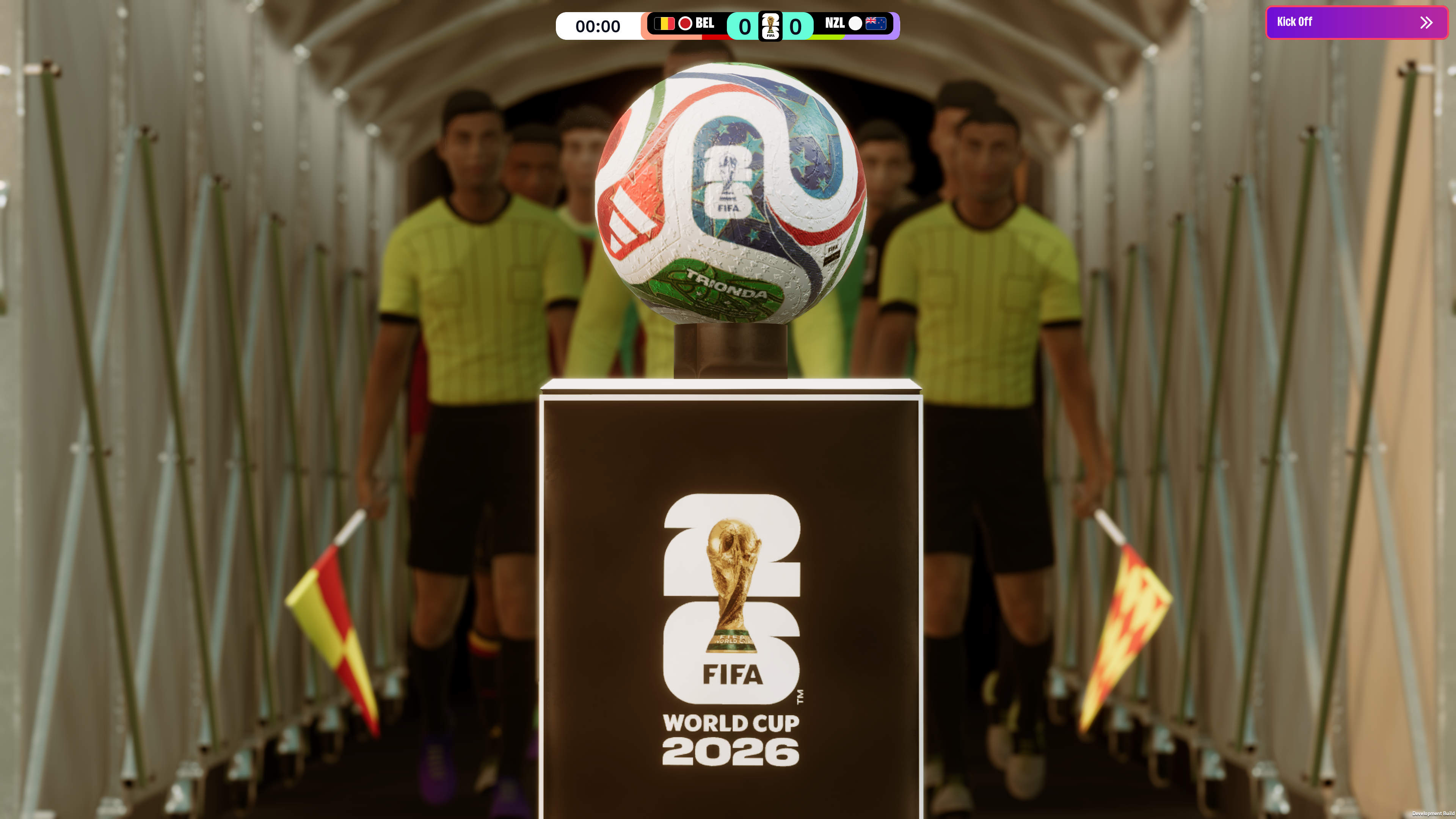
Match Days are where the licence really comes to life. You’ll discover new cutscenes, broadcast graphics, teamsheets, kits** and the official Adidas Trionda match ball.
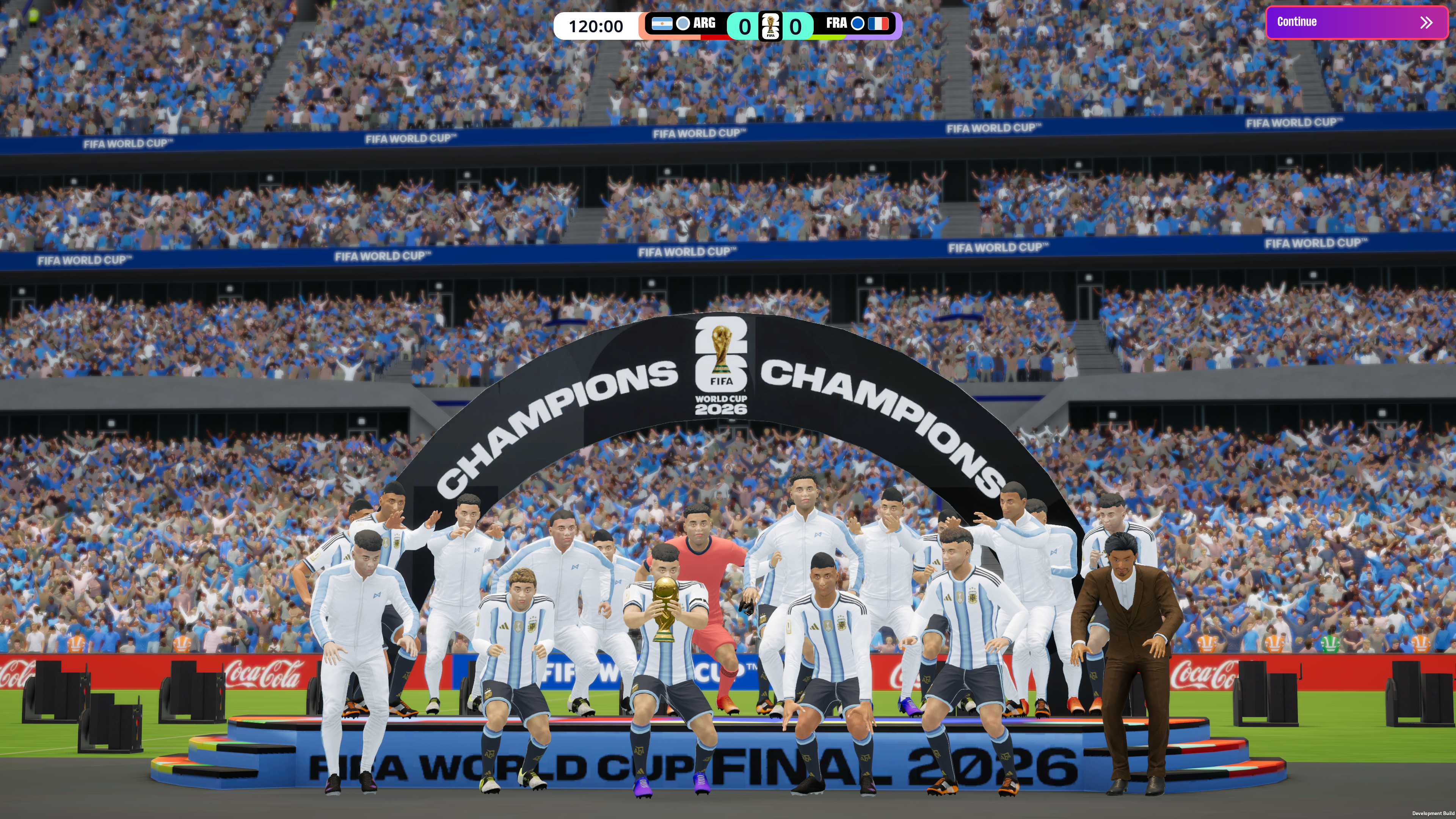
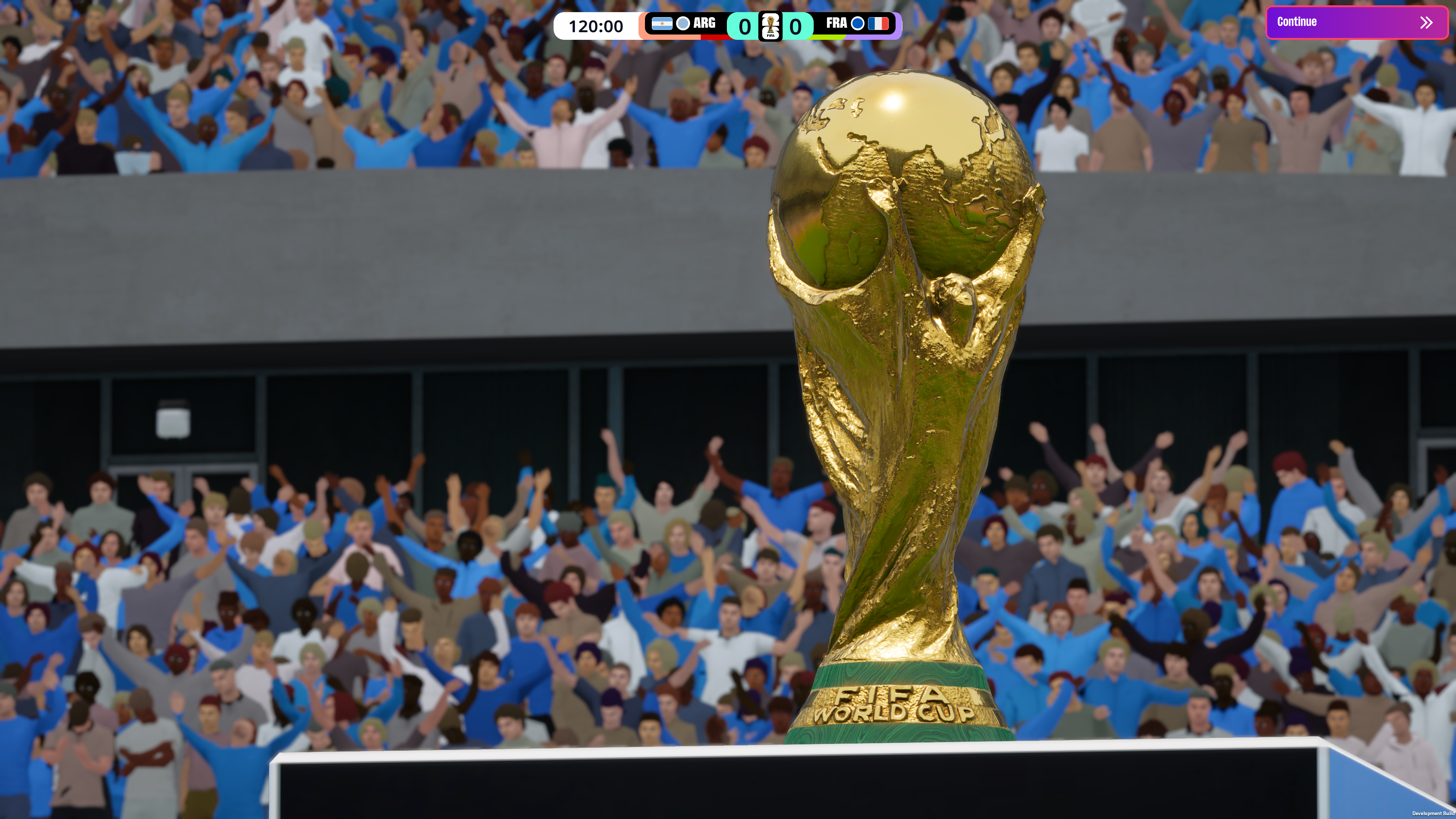
And to crown the moment you claim world glory, you’ll see your captain lift the FIFA World Cup 2026™ Trophy in a new, authentic trophy lift sequence.
There’s plenty more for you to discover too when International Management returns to FM26 from May 26th, including the ability to manage women’s national teams for the first time in FM history. It’s nearly time to step into the international dugout.
*At the initial launch of this feature, 47 of the 48 qualified nations for FIFA World Cup 2026™ will be playable. We will provide further updates should that status change in future updates.
**While we previously indicated that official kits would be included as part of the international management feature, licensing approvals are still ongoing. As a result, not all FIFA World Cup 2026™ team kits will be available upon launch of the feature and some may be added at a later date.











Don't Miss a Moment
Be the first to know what's next by following us across social media @FootballManager. Same handle, every platform.